
Case study 13 · FitFam
One app for the whole family.
A family fitness app bringing weekly planning and workouts into one shared experience. Explore an example of shaping an idea around the people using it.
- Project
- FitFam
- We built
- A family app for phones, browsers and Windows
- Subscriptions
- None. No account, no ads
- Works
- Offline, once installed
What it solves
One app instead of five, for the whole family.
A step counter, a chore chart, a reminders app and a whiteboard on the fridge, replaced by one app the family owns.
Is everyone moving this week?
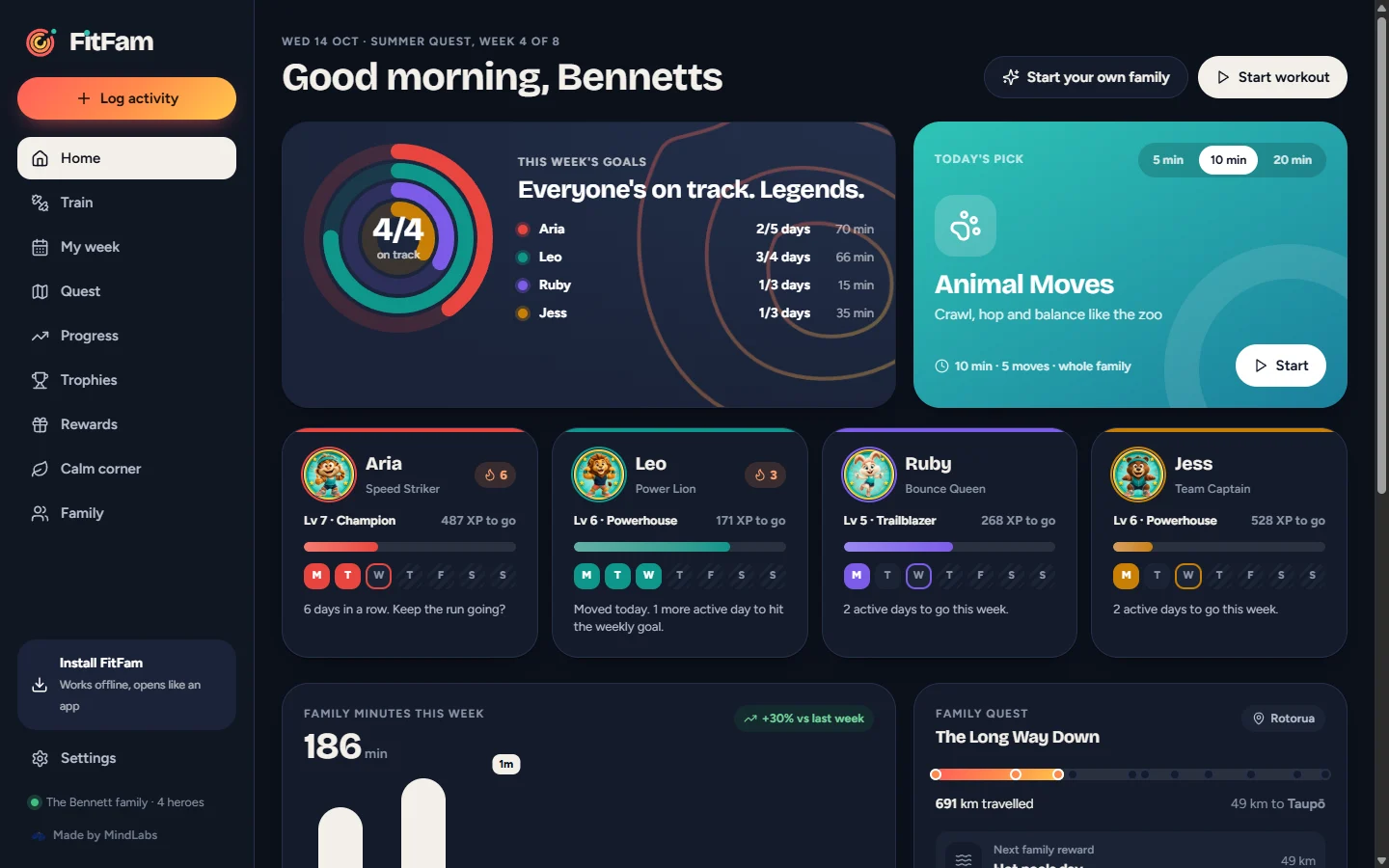
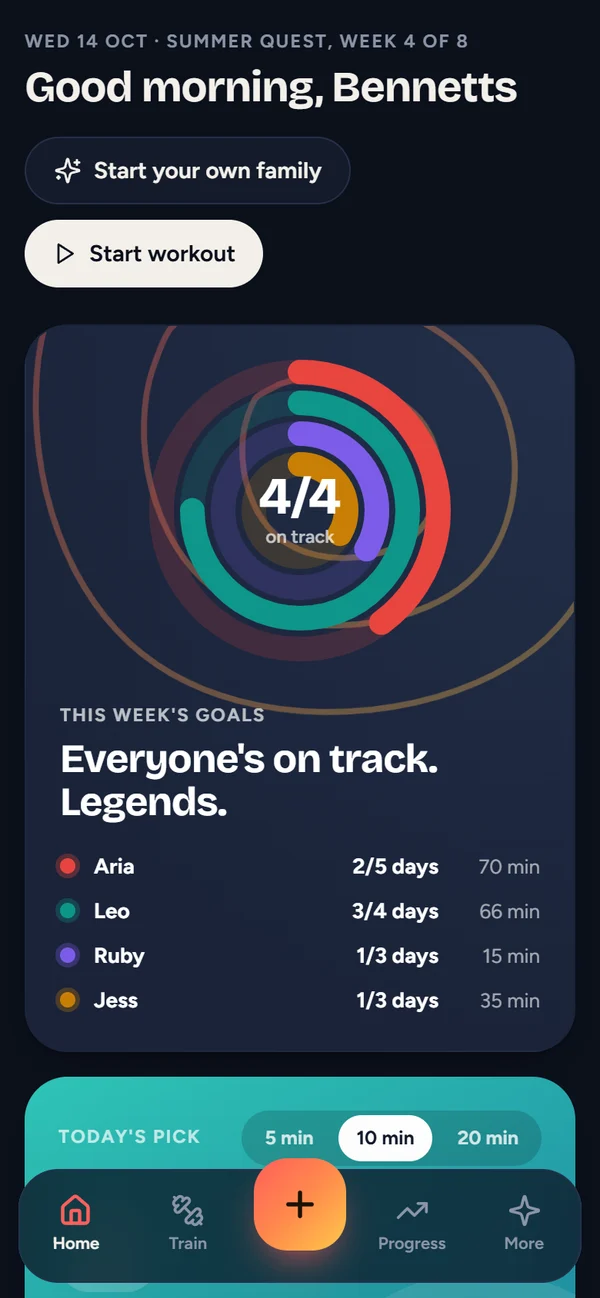
Home shows a ring for every family member filling towards their weekly goal, and who’s on a streak.
What do we do today?
Today’s pick at five, ten or twenty minutes, with a voice coach that counts everyone through.
How do we keep the kids going?
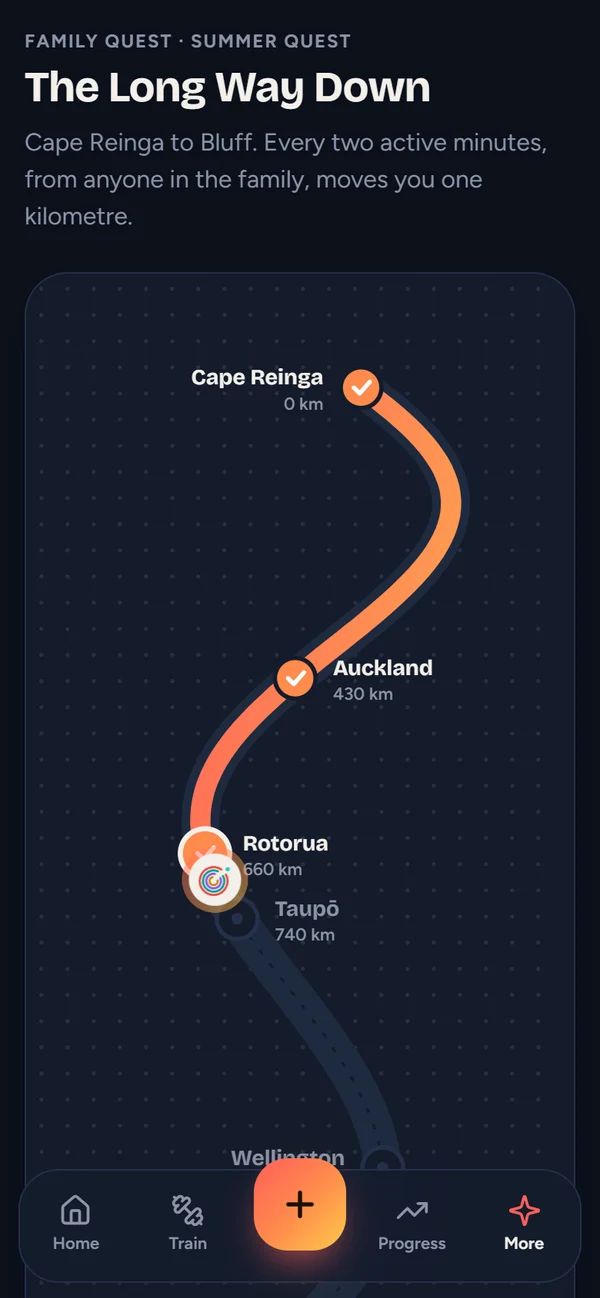
A family quest from Cape Reinga to Bluff, moved by everyone’s minutes, with levels and badges along the way.
Who earned what?
Rewards and pocket money wait for a grown-up’s PIN, so the grown-ups stay in charge.
Where does our data go?
Nowhere. No account, no ads, and backups are files the family keeps.
01 · The pain
Four people, five apps, one fridge.
A family’s routines can be scattered across individual apps, reminders and a whiteboard. FitFam brings weekly planning and movement together, with an experience that gives children and grown-ups something to share.
- A different app for every person and every job.
- Subscriptions, upgrades and ads, for apps built for adults.
- No one place to see the family's week.
- The kids' details on someone else's servers.
The brief One app the whole family uses together. Make moving fun for the kids, keep it calm for the grown-ups, and keep it ours.
02 · The welcome
Two minutes from opening it to the first badge.
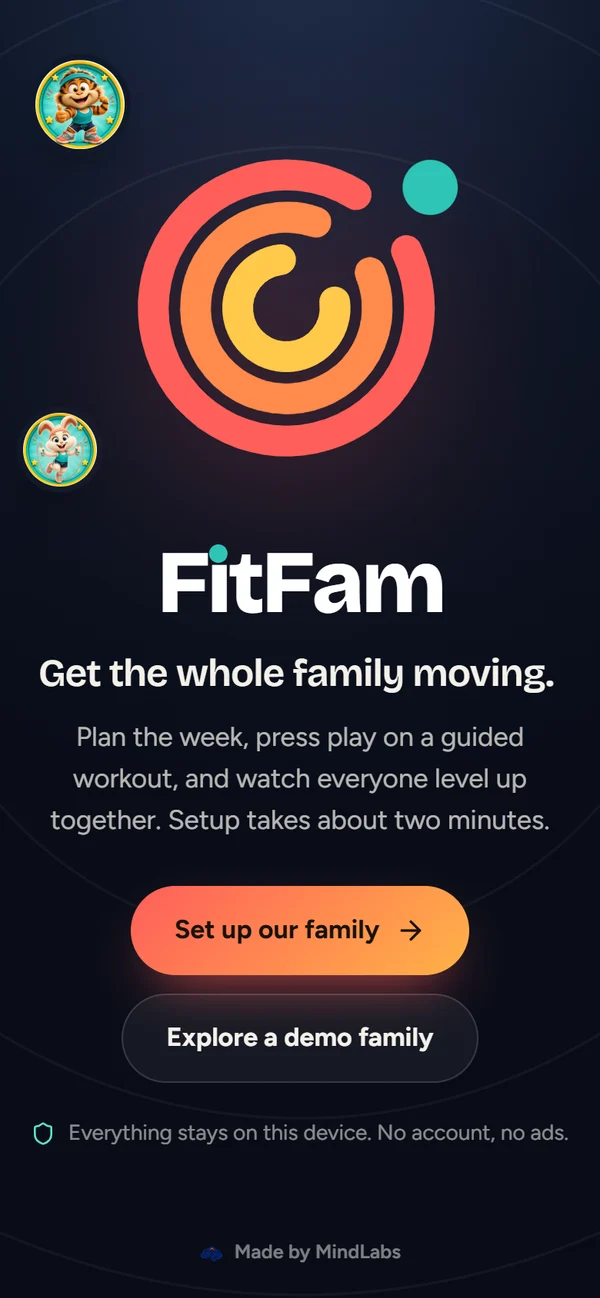
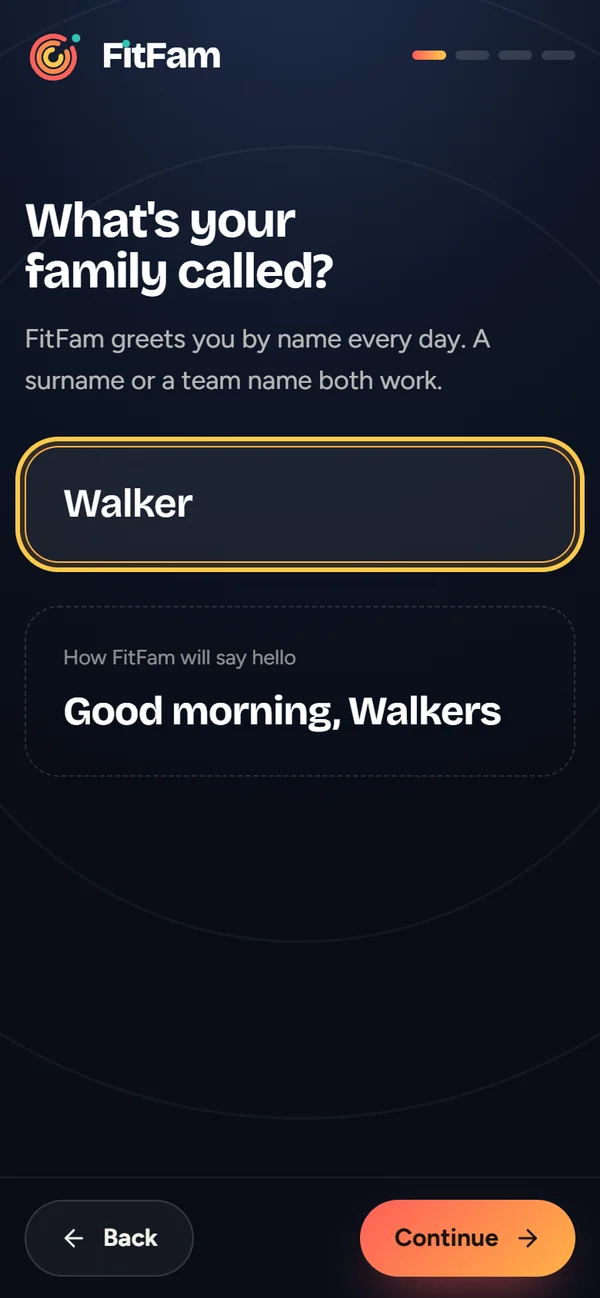
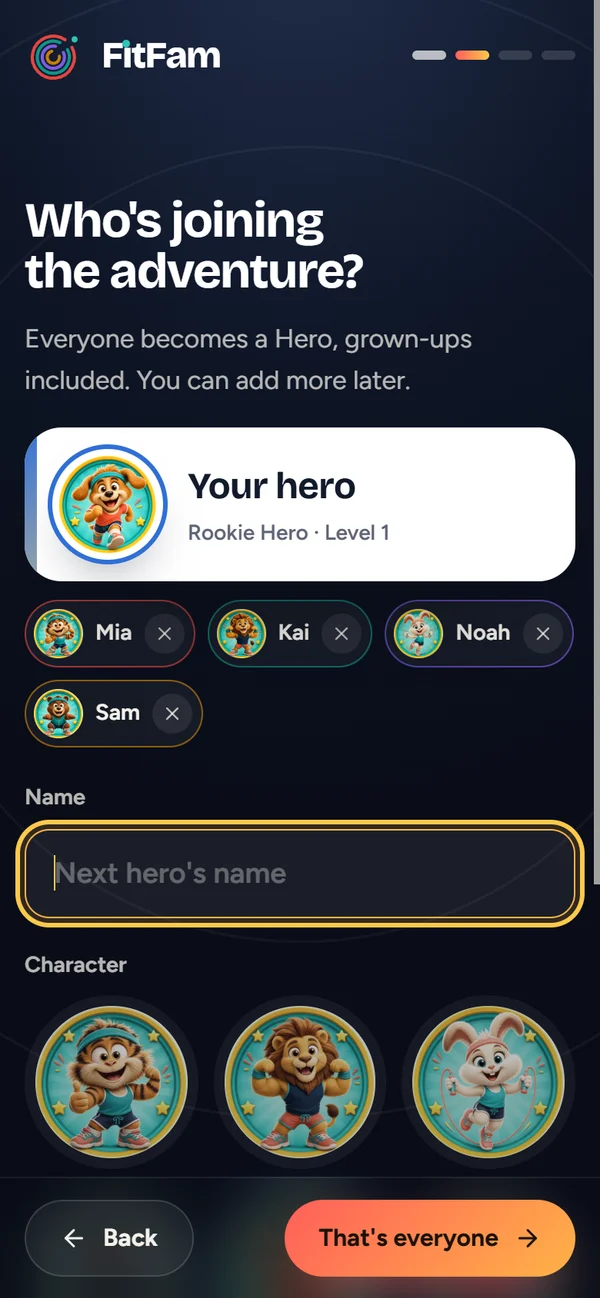
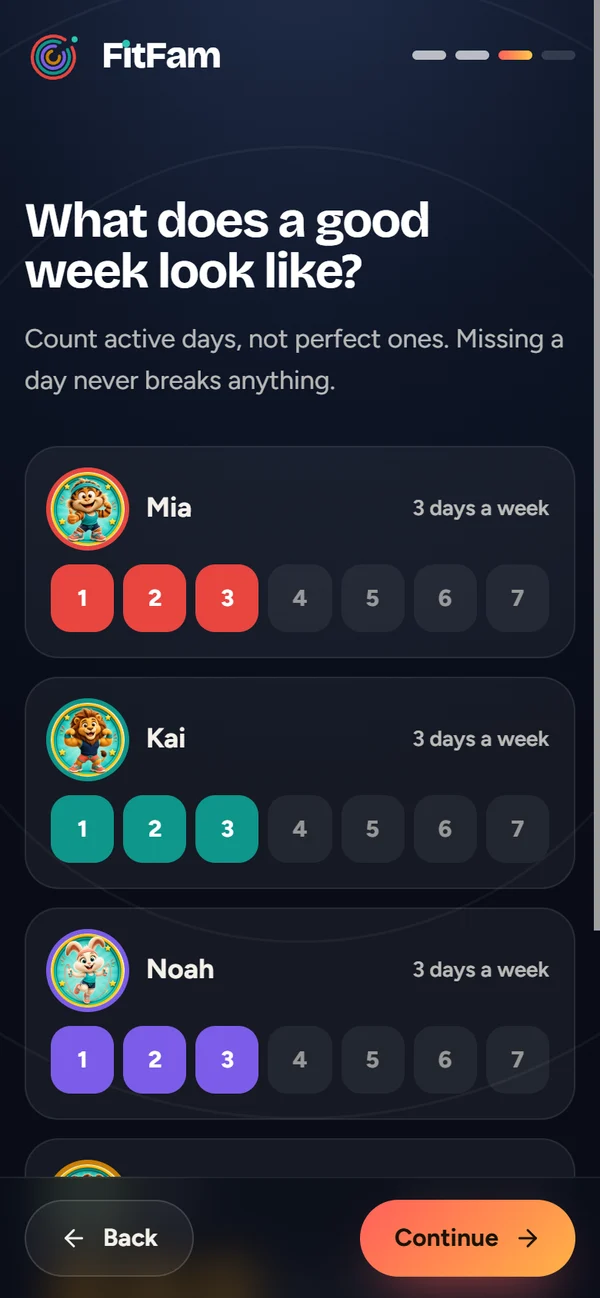
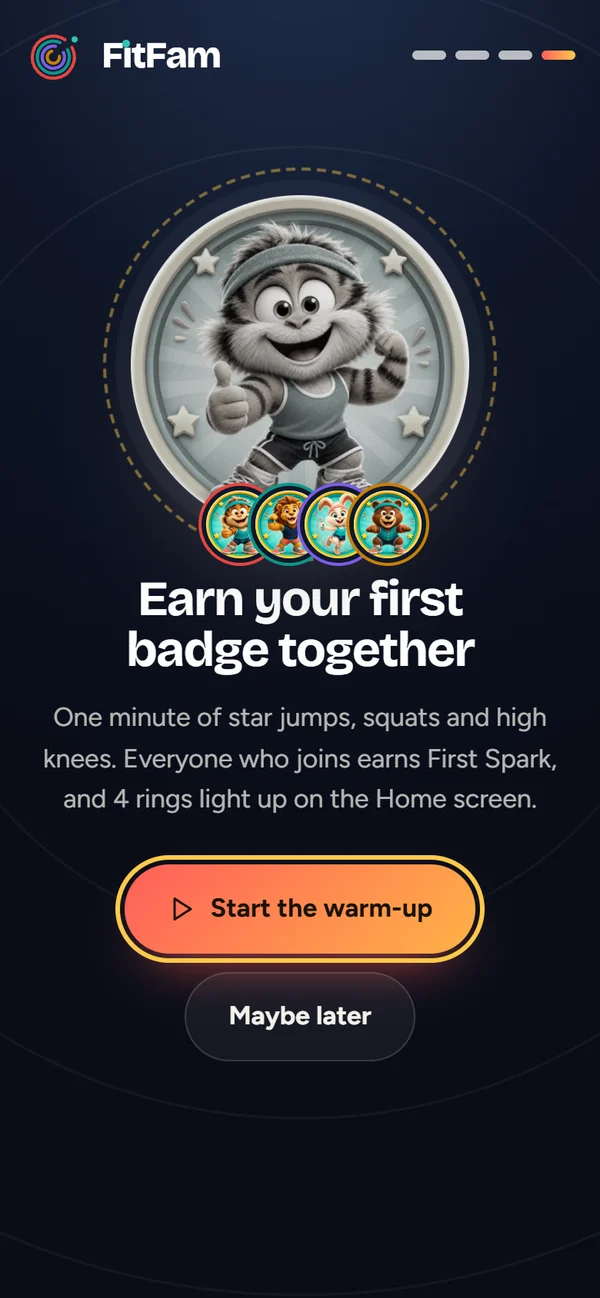
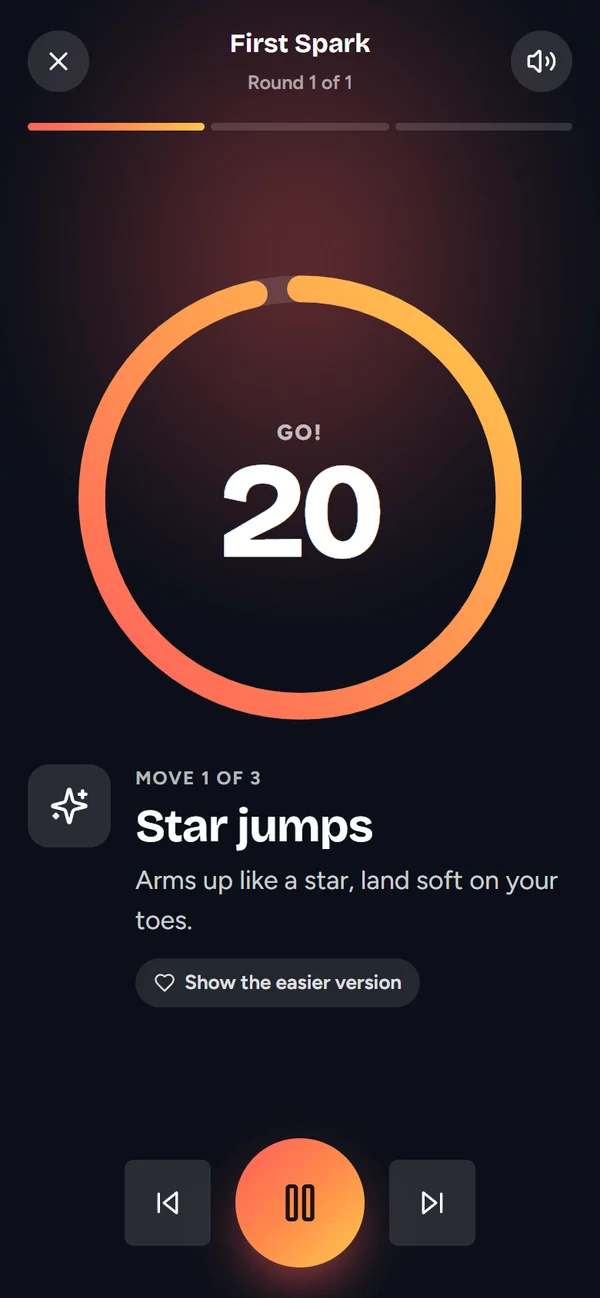
The logo draws itself, then FitFam asks four things: your family's name, who's joining, what a good week looks like, and whether you'd like a one-minute warm-up. Each hero you add gets a ring of their own on the logo. Everyone who joins the warm-up earns their first badge.
Step through the welcome and family setup.
03 · Try it
Explore FitFam.
Plan the week, press play on a workout, check the family quest or open the trophy room. Anything you change stays in your own browser.
04 · What it does
Made for kids. Calm for grown-ups.
The whole week, at a glance.
Home shows a ring for every hero filling towards their weekly goal, today's pick at five, ten or twenty minutes, and who's on a streak. Missing a day never breaks anything.
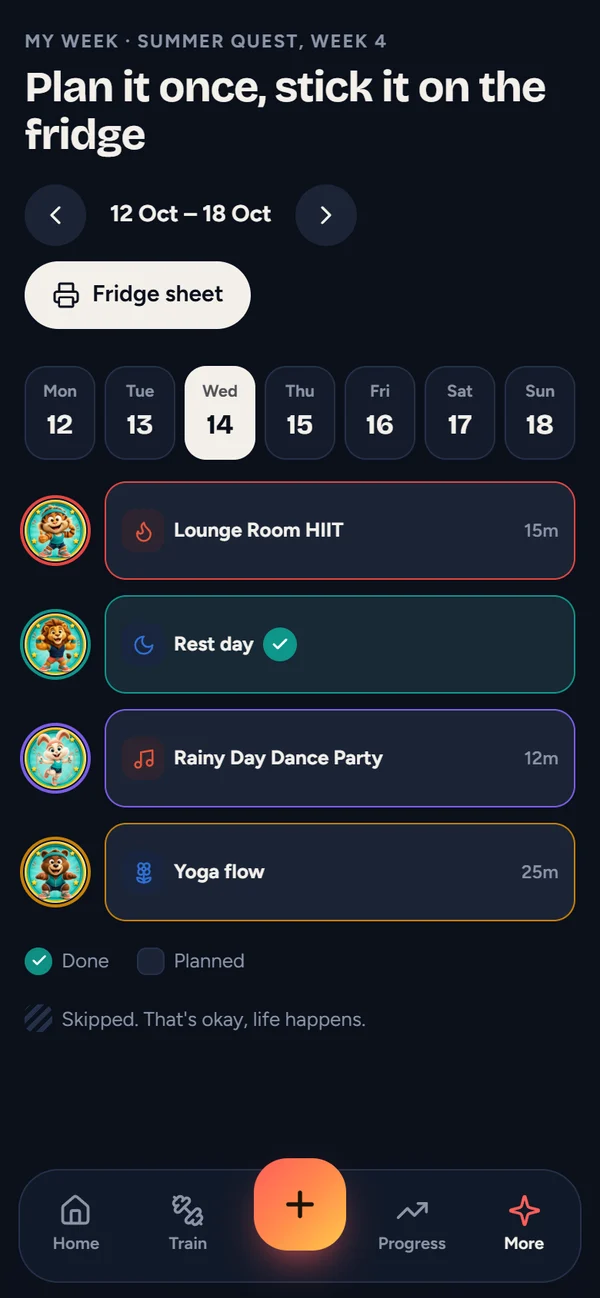
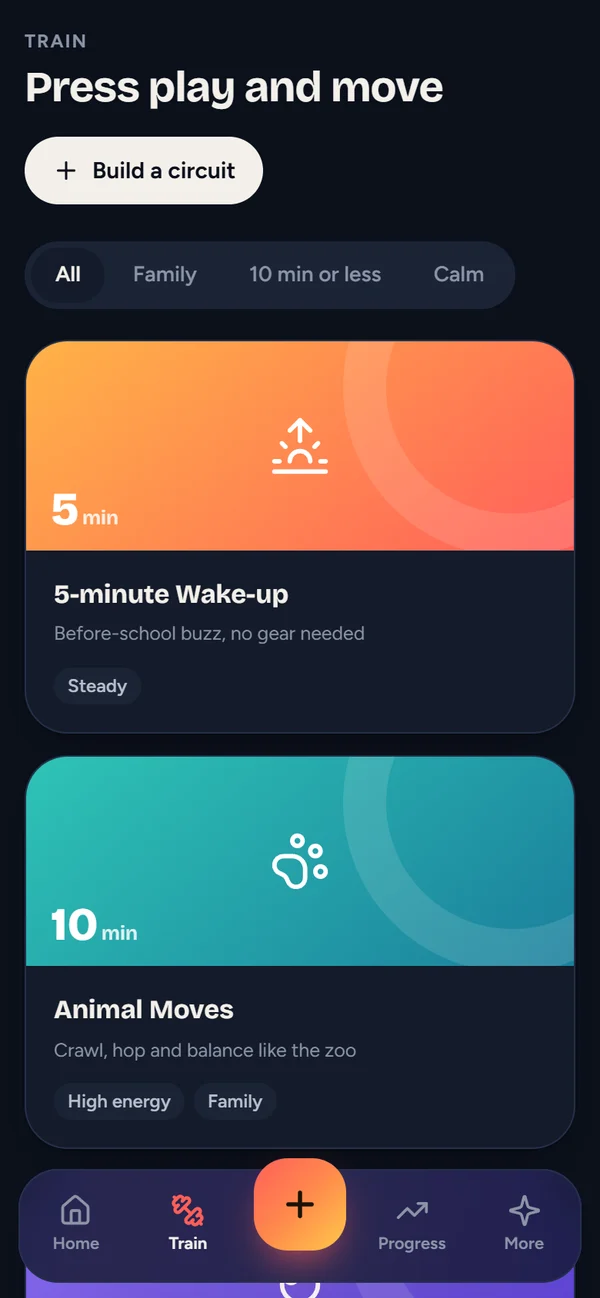
Press play and move.
Six guided workouts and 26 moves, each with an easier version. A voice coach counts everyone through, and you can build your own circuits.
A quest the whole family walks.
The Long Way Down runs from Cape Reinga to Bluff. Every two active minutes from anyone in the family moves them one kilometre, with family rewards along the trail.
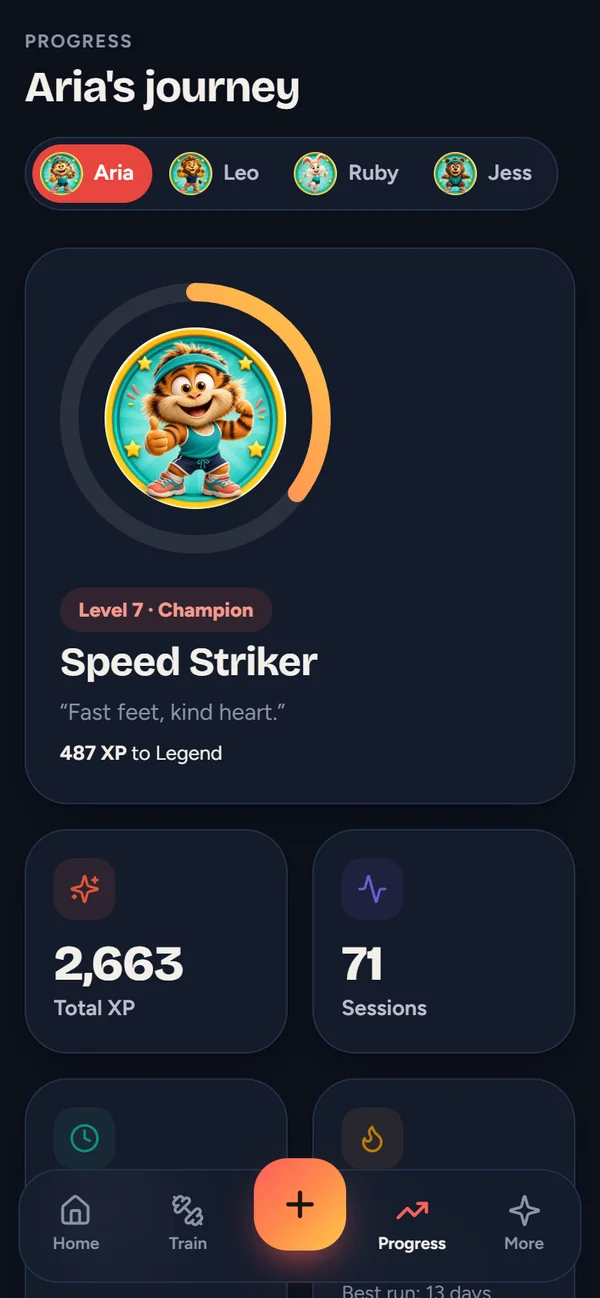
Levels, badges and personal bests.
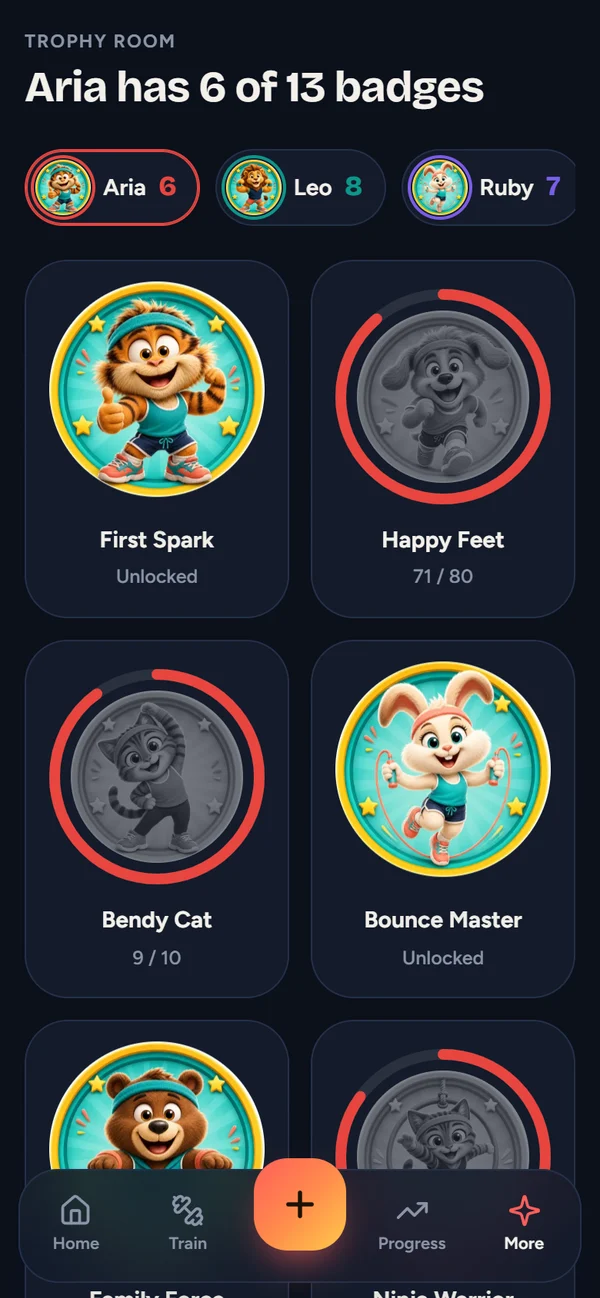
Every hero levels up, earns badges with their own artwork, and sees their journey over twelve weeks. Grown-ups approve rewards with a PIN; pocket money is optional and never automatic.
The system behind it
More than an app.
A system they own.
- The job it replaces
- A step counter, a chore chart, a reminders app and a whiteboard on the fridge.
- The data and rules
- One family: heroes, weekly goals, sessions, badges and rewards. Every number on every screen comes from the sessions.
- What runs on its own
- Goals tracked through the week, levels and badges awarded, the family quest moved by everyone’s minutes, and rewards held for a grown-up’s PIN.
- Where it lives
- On the family’s own device. No account, no server and no ads, and backups are files the family keeps.
How it compares
Five apps on every phone, or one the family owns.
Family organiser apps do a good job of calendars and lists. Here’s how they compare with one app built around this family’s goals.
| Cozi | FamilyWall | FitFam | |
|---|---|---|---|
| Price | Gold US$39 a year, Max US$79 | Premium US$44.99 a year | A one-off build. A monthly care plan only if you want us looking after it. |
| Accounts | An account for the family | An account for the family | No account. It runs on the family’s own device. |
| Built for | Calendars, lists and meal plans | Calendars, lists and sharing | This family’s fitness goals, chores, badges and rewards |
| Ads and upgrades | Free version has ads | Free version, with paid upgrades | None |
| Your family’s data | On the provider’s servers | On the provider’s servers | On your device. Backups are files you keep. |
Fair to say Cozi and FamilyWall are polished, and great for a shared calendar. FitFam doesn’t try to replace them. It does the one job this family kept spreading across five apps, and nobody else holds the data.
Prices from cozi.com and a published app-pricing listing for FamilyWall, checked October 2026. The family is illustrative.
05 · Under the hood
Theirs, on their own devices.
- Guided moves
- 26
- Badges to earn
- 13
- Per-user fees
- $0
Installs like an app
Add it to a phone's home screen or install it on Windows. After one visit it works with no internet at all.
No account, no ads
The family's data stays on their own device. There is no server collecting the kids' details.
Participation before performance
No weight, no calories, and competition is off unless the family turns it on.
Grown-ups stay in charge
Rewards need a grown-up's PIN, and a backup can be saved and restored from Settings.
React · Vite · installable web app · Electron for Windows
Have an app idea around the way people live?
Tell us who it's for and what it should help them do. We'll work through the experience and a useful first scope.
It’s yours. No one else owns it.